Gemini Prompts for Save the Date: Free AI Wedding Invitations (2026)
Create stunning, free 'Save the Date' cards with these Gemini (Nano banana) prompts. Transform your photos into elegant wedding invitations with perfect typography and custom designs.
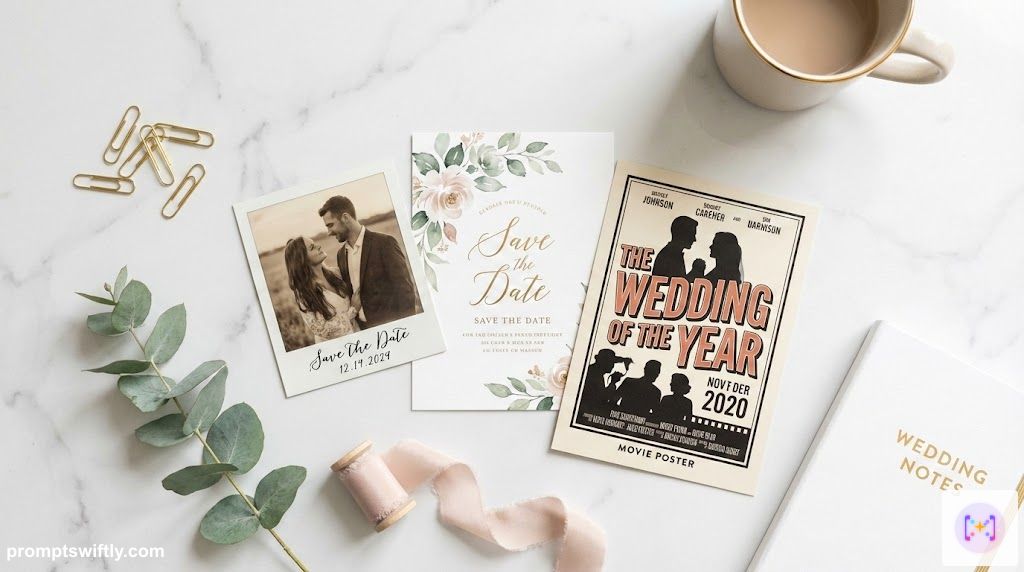

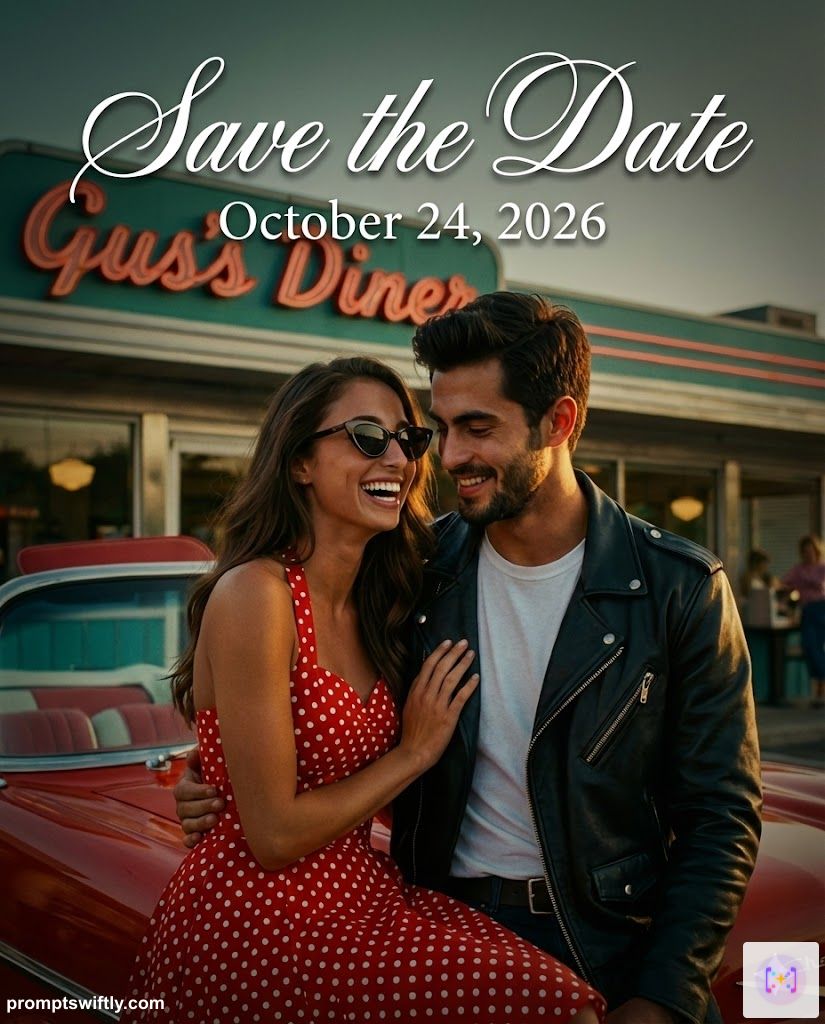
Photo Text Overlay
1 / 20

Written by
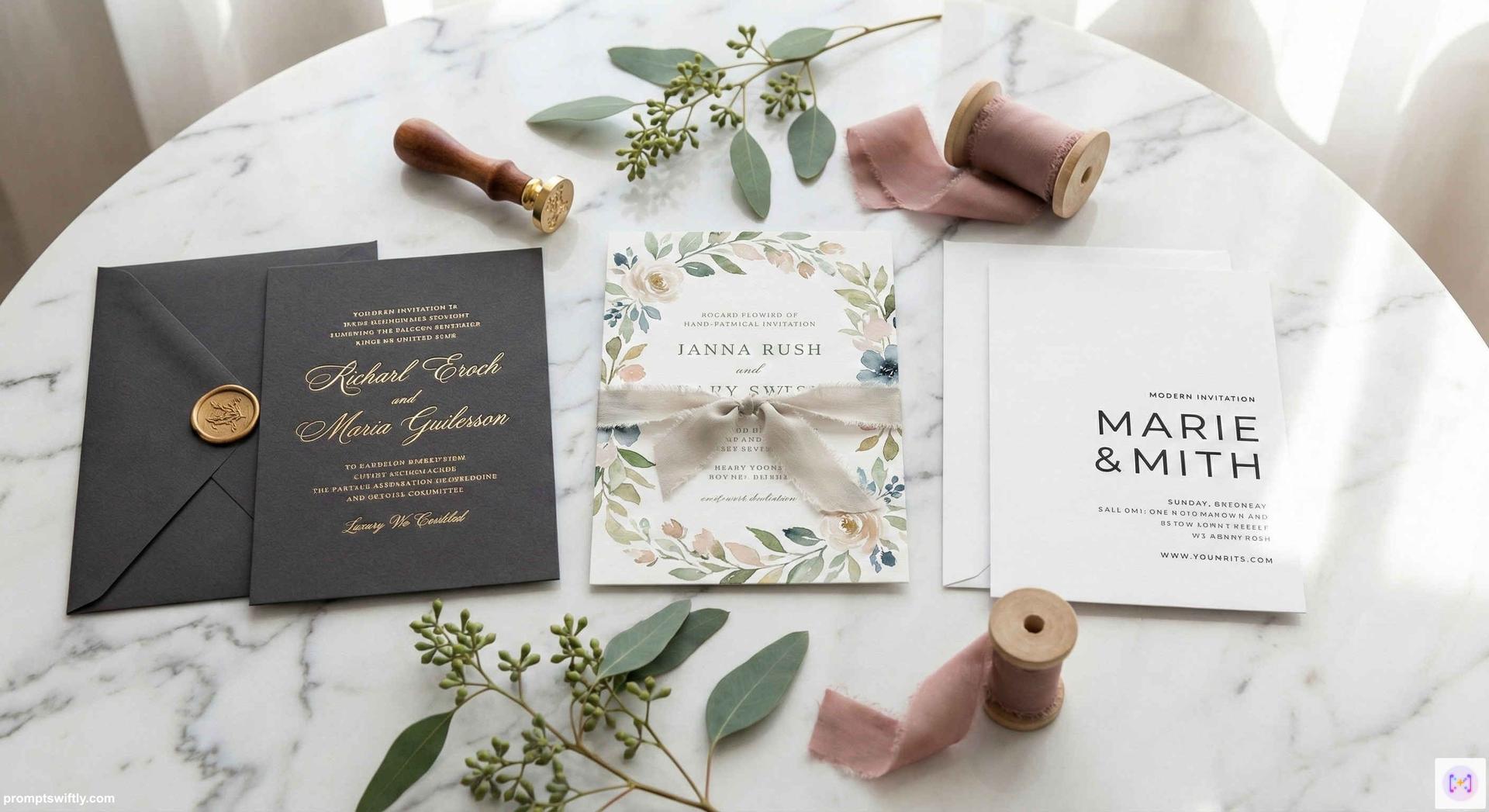
Designing your wedding stationery shouldn't cost a fortune. With our AI prompts for save the date cards, you can turn your favorite photos into professional quality save the date invitations in seconds. Whether you want a trendy postcard style save the date or a classic newspaper style, Google Gemini (and our free Wedding Prompt Generator) is practically a free template generator.
These prompts cover every scenario: from simply adding elegant text to your existing Pre-Wedding Shoot photos, to completely transforming your look into a Bridgerton style oil painting.
Why Use Gemini for Your Save the Date Cards?
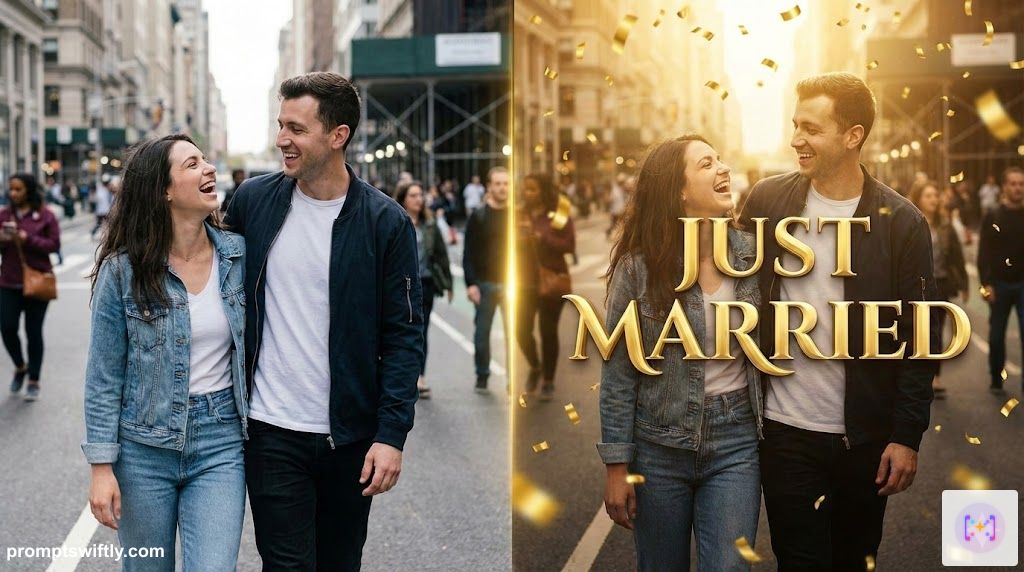
- Perfect Text Rendering: Unlike older AI models, Nano banana allows you to generate images with correct, legible text like "Save the Date" directly on the design.
- Total Customization: Don't like the font? Want a different background color? Just ask. You aren't stuck with a rigid template.
- Budget Friendly: Skip the expensive design fees. Create a Save the date gemini prompt wedding invitation free of charge.
- Unified Theme: Use the same AI style for your website, invites, and thank you cards for a consistent brand.
20 Best Gemini Prompts for Save the Dates
Here are expert-crafted prompts designed to handle text rendering and facial preservation. For best results, upload your photo(s) first.
✅ Expert Verified: All prompts in this collection have been rigorously crafted, tweaked, and tested by our prompt engineering team. We have done the hard work to ensure they provide you with the best value and highest quality generations, minimizing trial and error.
💡 Pro Tip: The most difficult part for AI is specific text. If Gemini makes a typo (e.g., "Svae the Date"), simply click "Regenerate" or use the image as a background and add your own text in Canva.
1. The "Photo Text Overlay" Classic
This prompt turns your photo into a finished card by creating space for text and applying professional typography.
Photo Text Overlay
The Prompt
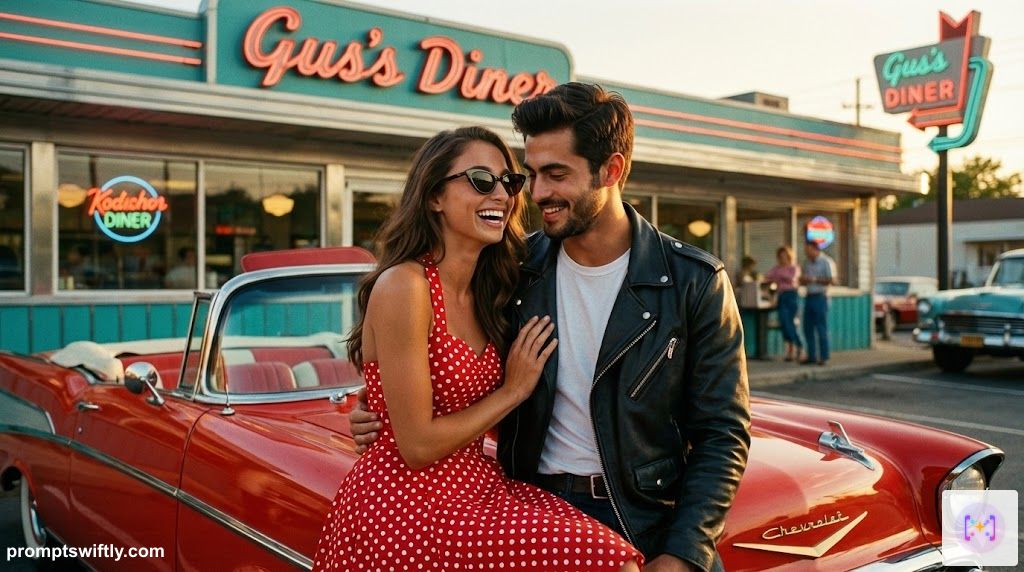
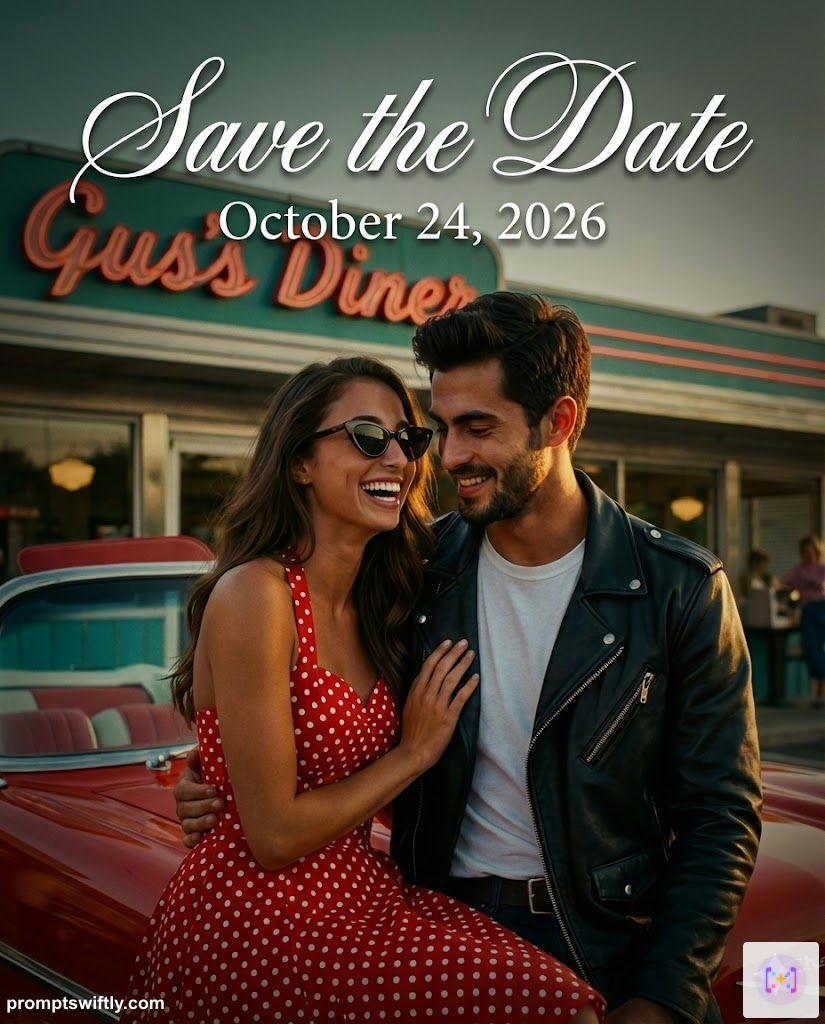
Design a luxury 'Save the Date' card using this photo as the full-background image. Maintain exact facial features. Apply a 'dark moody' color grade with deep greens and rich skin tones. Apply a subtle vignette to frame the couple. Render the text 'Save the Date' in large, elegant white calligraphy script with a slight drop shadow for readability. Below it, place the date 'October 24, 2026' in a clean modern serif font. High-fashion editorial photography style, 8k resolution. Aspect Ratio: 4:5 (Vertical).
Input Reference
Generated Result
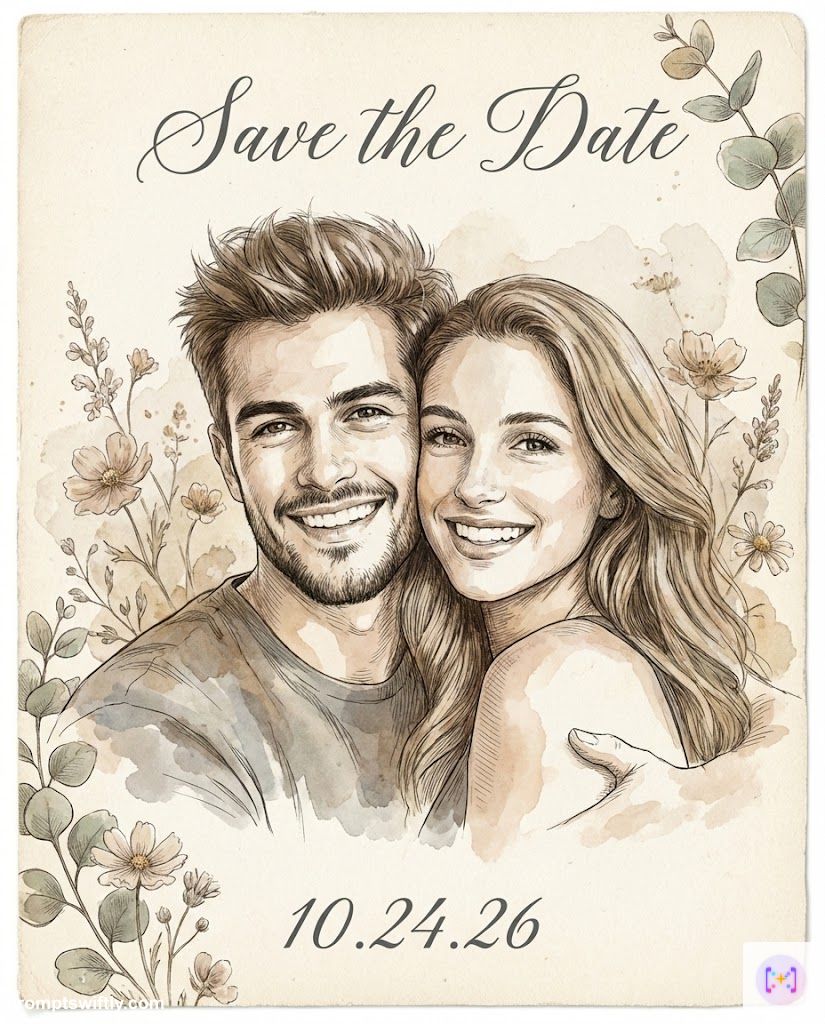
2. The Artistic Watercolor Transformation
Perfect if you want a softer, more artistic vibe than a standard photograph.
Artistic Watercolor
The Prompt
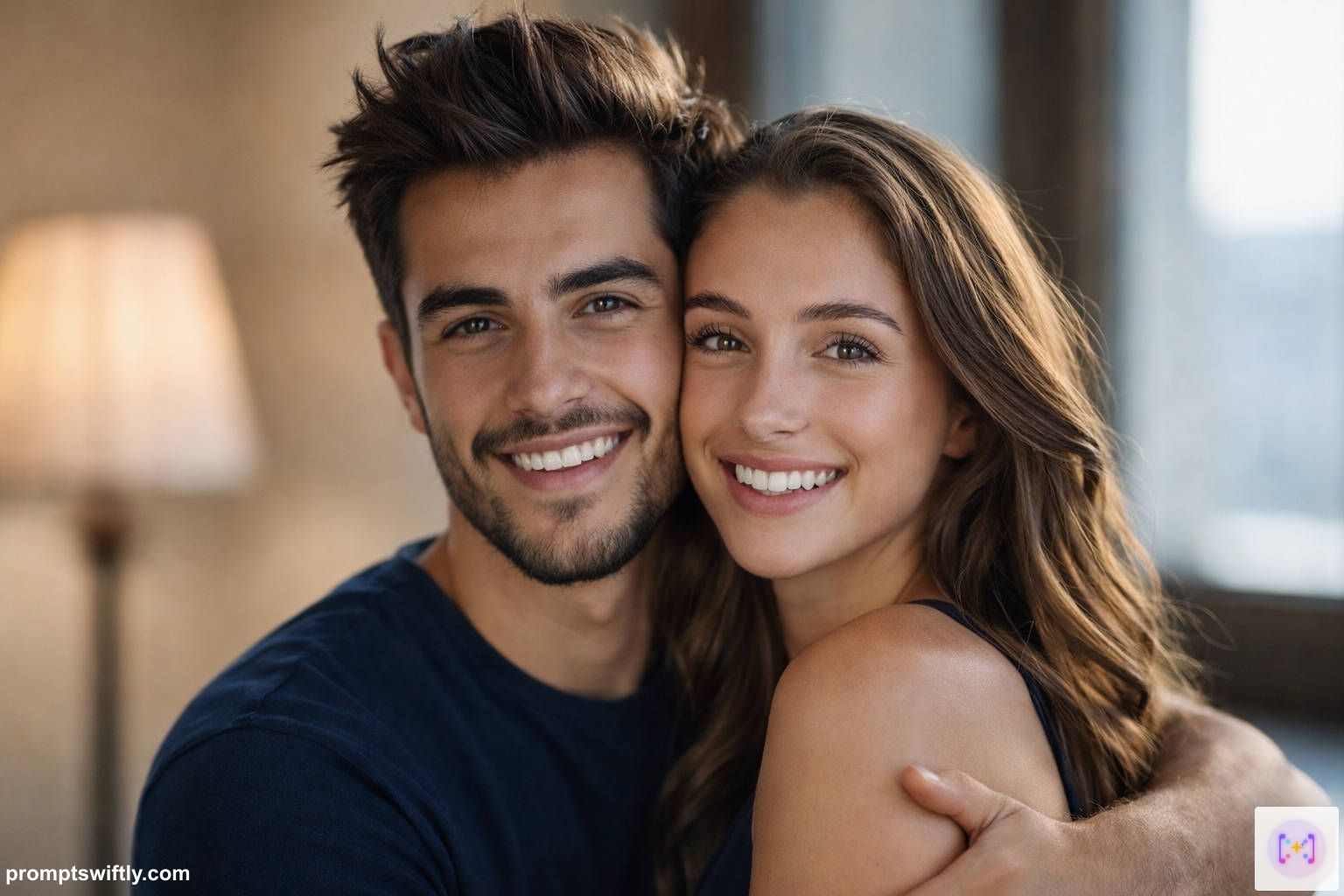
Transform this couple photo into a vintage botanical illustration. Blend the couple's likeness with a soft watercolor wash technique, accentuated by fine ink engraving lines. Place the illustration on a textured cream cardstock background. Render the text 'Save the Date' in elegant charcoal grey calligraphy above the couple, with the date '10.24.26' below. Frame the edges with faded wildflowers and eucalyptus. Soft, romantic, ethereal, and artistic atmosphere. Aspect Ratio: 4:5 (Vertical).
Input Reference
Generated Result
3. Modern Minimalist Typography
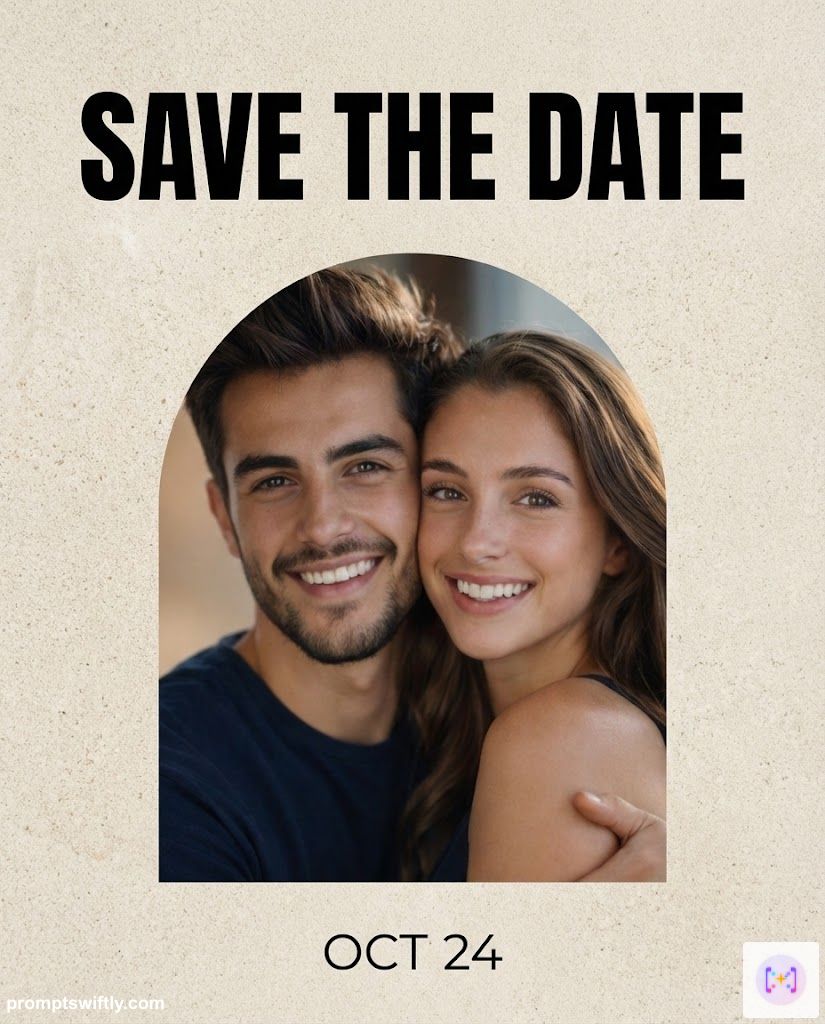
Clean, crisp, and high-fashion. This prompt focuses on layout and typography.
Modern Minimalist
The Prompt
Create a contemporary, ultra-minimalist 'Save the Date' design. Mask the couple into a sharp geometric arch cutout in the center. The background should be a textured matte limestone color. Ensure the couple is lit with high-key softbox lighting. Use bold, massive Sans-Serif typography (Helvetica style) docked at the top of the card reading 'SAVE THE DATE'. Place the date 'OCT 24' in smaller text at the bottom. Professional graphic design, balanced composition, negative space mastery. Aspect Ratio: 4:5 (Vertical).
Input Reference
Generated Result
4. The Destination "Passport" Theme
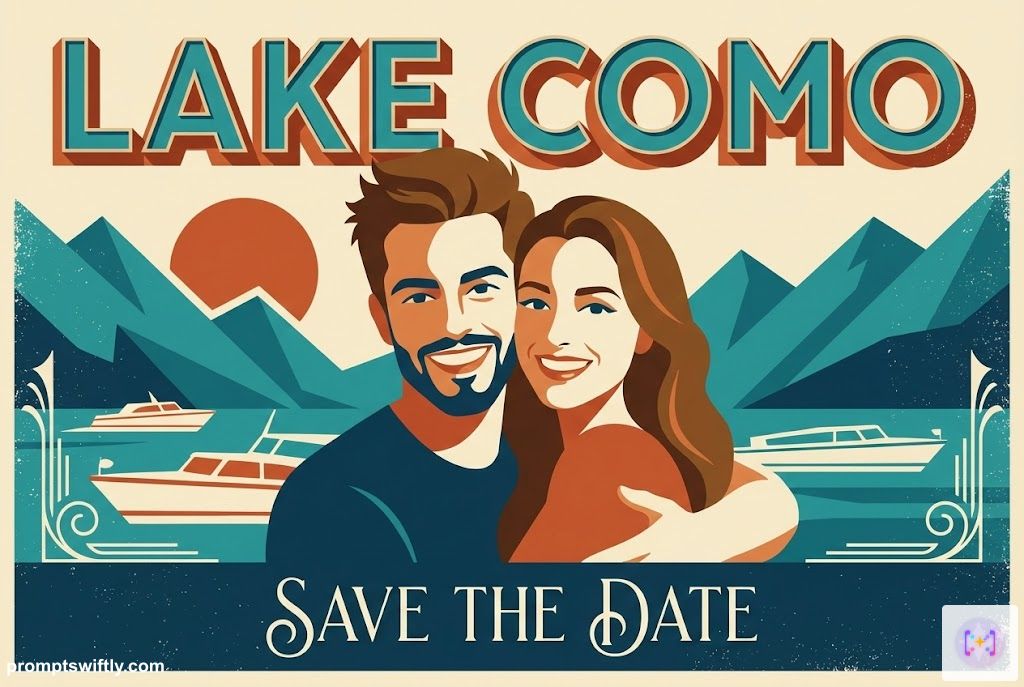
Getting married abroad? Use this creative travel-themed prompt.
Destination Passport
The Prompt
Design a mid-century modern travel poster styled 'Save the Date'. Stylize the couple as vector art with flat colors and bold shapes, reminiscent of 1950s airline advertisements. Use a palette of teal, burnt orange, and cream with a distressed screen-print texture overlay. The text 'LAKE COMO' (or your location) should be at the top in a retro dimensional font. Add 'SAVE THE DATE' in a smaller script font at the bottom. Art Deco influences, nostalgic travel vibe. Aspect Ratio: 3:2 (Horizontal).
Input Reference
Generated Result
5. The Collage (Combining Individual Photos)
Don't have a good photo together? Upload one of each of you (check our Couples Posing Guide for tips) and let Gemini combine them into a chic layout.
Couple Collage
The Prompt
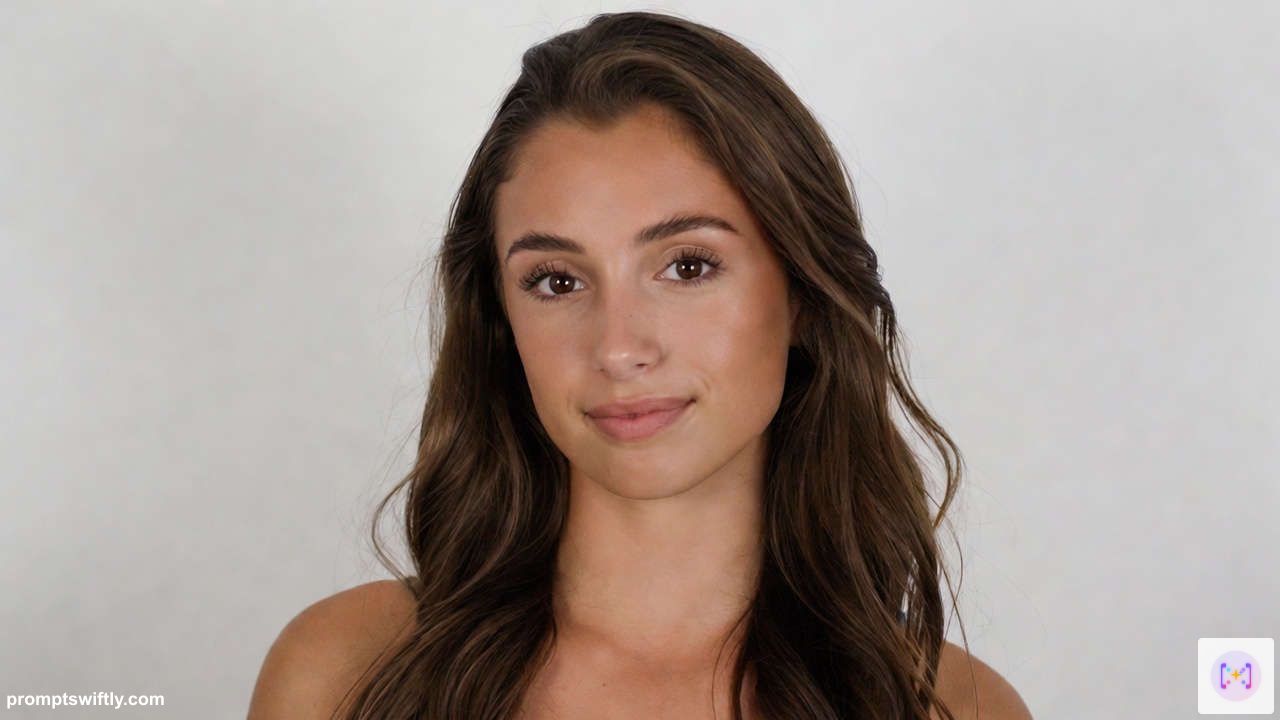
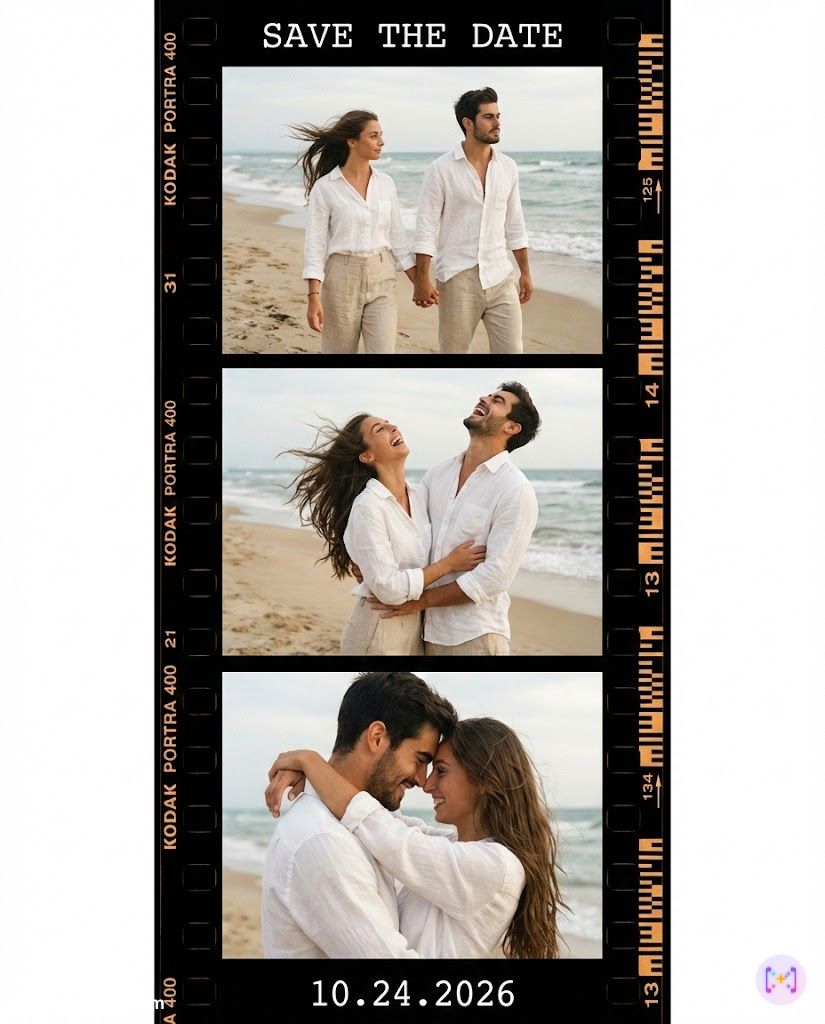
Simulate a Kodak Portra 400 contact sheet layout. Generate 3 distinct candid shots of the couple wearing matching vintage linen outfits (white shirt and beige trousers) walking, laughing, and embracing on a windy beach. Arrange them in a vertical film strip with visible film sprocket holes. Apply a warm, nostalgic film grain. Use a clean typewriter font (Courier) in white to write 'SAVE THE DATE' and '10.24.2026' in the negative space. Raw, authentic, documentary photography style. Aspect Ratio: 4:5 (Vertical).
Input Reference

Generated Result
6. Botanical & Floral Frame
Adds a romantic garden touch to your couple photo.
Botanical Floral Frame
The Prompt
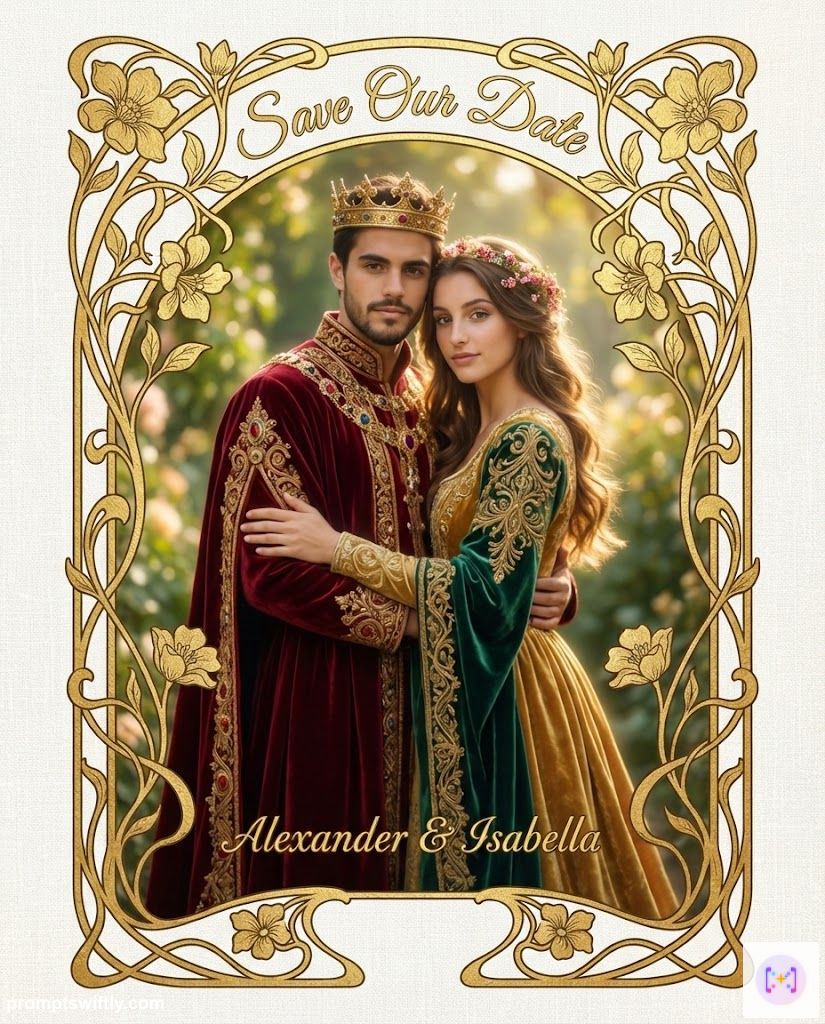
Transform the couple into ethereal garden royalty wearing intricate gold and velvet robes. Frame them in an intricate Art Nouveau inspired border with gold leaf inlay patterns and organic curves (Mucha style). The photo itself should have a soft dreamy glow (Orton effect). The card texture is heavy linen paper. Render the text 'Save Our Date' in an elegant, flowing script integrated with the vines at the top center, with names below in gold leaf. Royal, opulent, timeless elegance, 8k resolution. Aspect Ratio: 4:5 (Vertical).
Input Reference
Generated Result
7. Retro Photobooth Film Strip
A casual, fun alternative to formal invitations.
Retro Film Strip
The Prompt
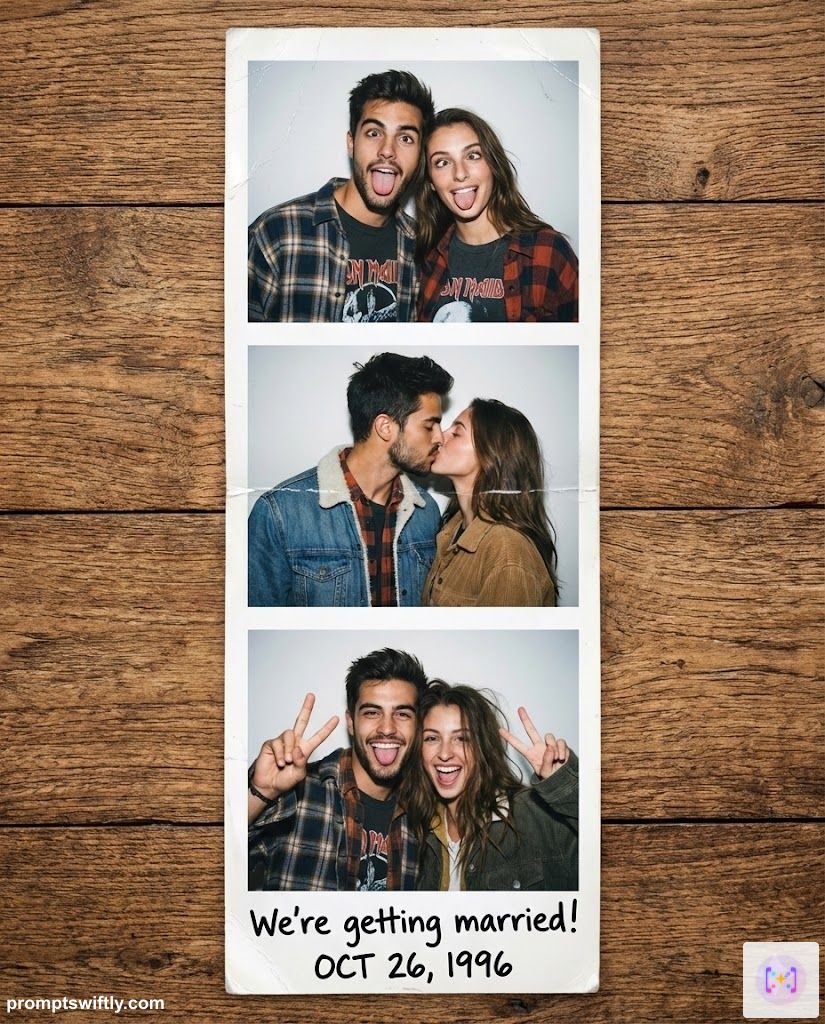
Recreate the vibe of a 1990s mall photobooth strip. Generate a sequence of 3 different fun poses (making silly faces, kissing, peace sign) of the couple wearing 90s grunge fashion (flannel shirts and denim jackets). The images should have direct flash lighting and high contrast. Place the glossy strip on a wooden table. Write 'We're getting married!' and the date in marker pen style on the bottom white margin. Candid, fun, lo-fi aesthetic. Aspect Ratio: 4:5 (Vertical).
Input Reference
Generated Result
8. Include Your Pet (The "Furry Save the Date")
Pets are family too! This prompt ensures your furry friend is the star of the show by adding them into the scene or highlighting them with a sign.
Cute Pet Inclusion
The Prompt
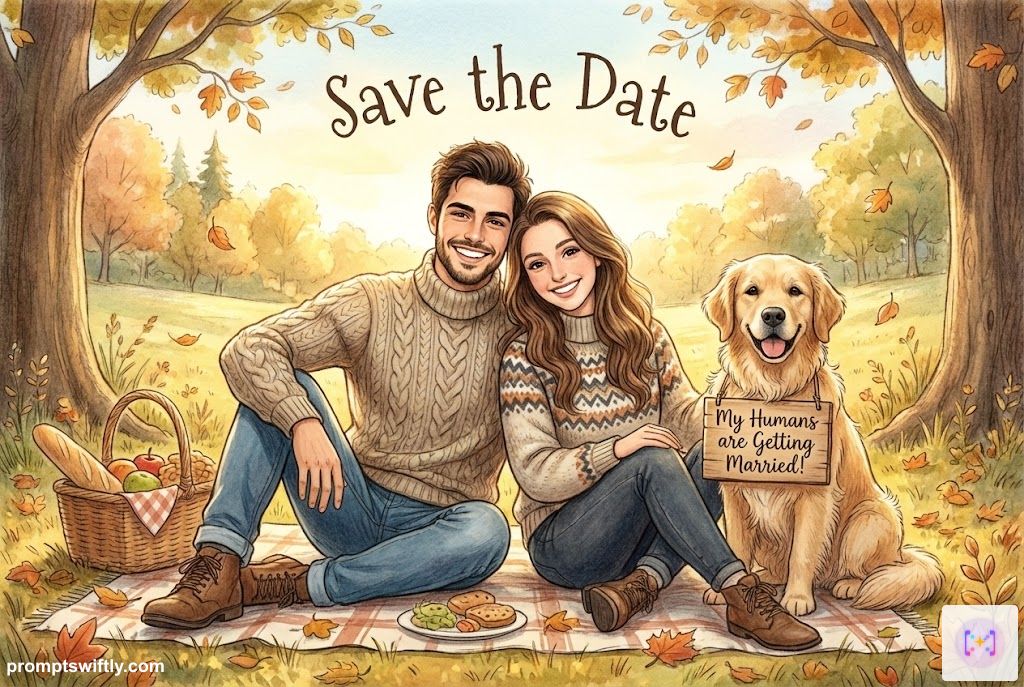
Change the couple's outfit to cozy autumn sweaters and jeans. Create a whimsical storybook illustration where they are having a picnic with their pet in a sun-dappled meadow. Depict them with soft pencil shading and watercolor glazing (Beatrix Potter style). The pet wears a sign detailed with 'My Humans are Getting Married!'. Add the text 'Save the Date' floating in the sky in a playful font. Warm golden hour light, magical atmosphere. Aspect Ratio: 3:2 (Horizontal).
Input Reference
Generated Result
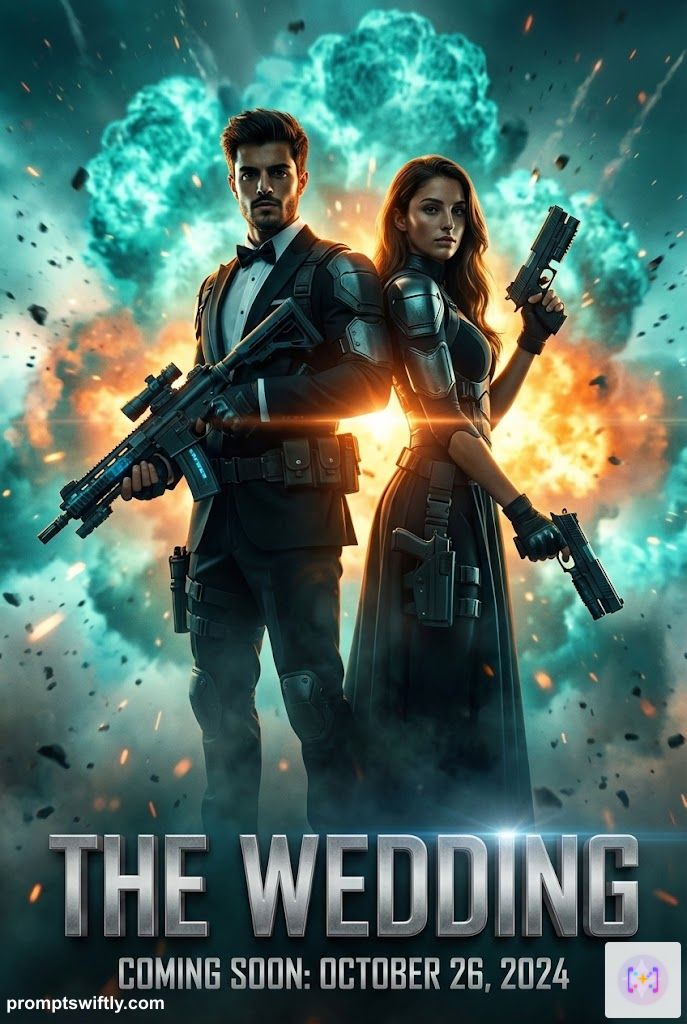
9. Cinematic Movie Poster
For the couple that loves drama (the good kind). If you're looking for funny save the date ideas or creative visuals, turn your announcement into a blockbuster movie poster that guests will want to frame.
Cinematic Movie Poster
The Prompt
Transform the couple into action heroes wearing tactical tuxedo and evening gown. Pose them back-to-back holding futuristic gadgets in dramatic silhouette against a teal and orange explosion background. Heavy use of lens flares, volumetric fog, and rim lighting. Title 'THE WEDDING' is in massive metallic 3D block letters at the bottom (Trajan font). Include 'COMING SOON: [Date]' just below the title. Hyper-realistic, 4k cinematic render. Aspect Ratio: 2:3 (Vertical).
Input Reference
Generated Result
10. Vintage Postcard Style
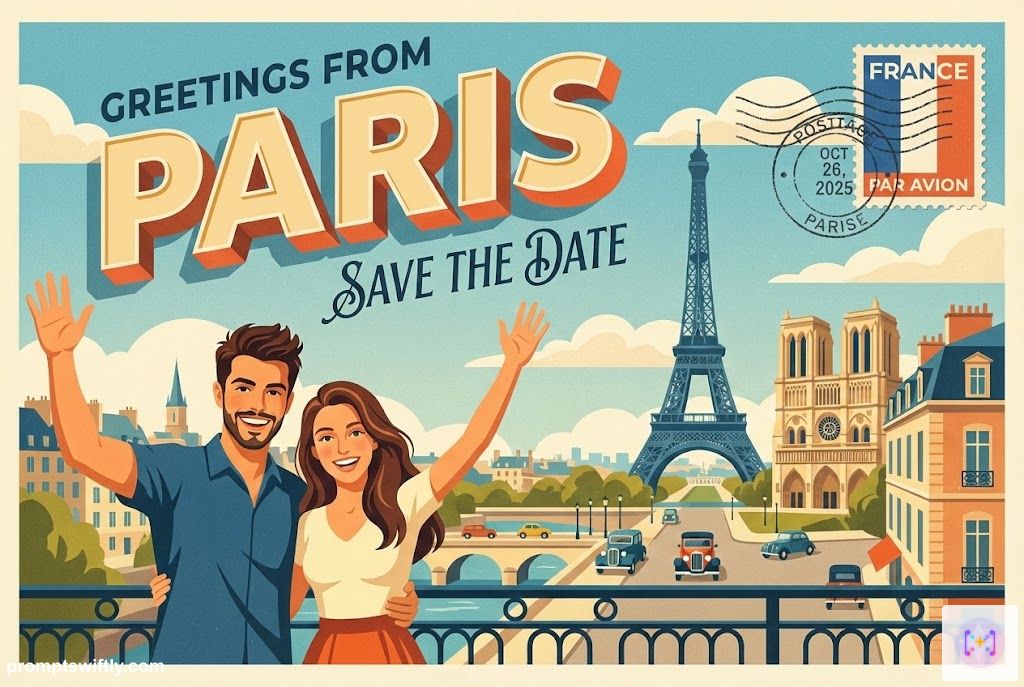
One of the most unique save the date ideas for travelers. Perfect for destination weddings, creating a nostalgic "Greetings From..." vibe that excites guests about the location.
Vintage Travel Postcard
The Prompt
Design a postcard style save the date featuring a vintage travel illustration of the couple. Use flat vector art styles with a grainy texture. The couple is waving from a scenic location (like Paris or the Beach). Superimpose a 'postage stamp' and 'cancellation mark' in the corner. The main text 'Greetings from [Location]' is in 3D retro lettering. Add 'SAVE THE DATE' in a sleek script below. Nostalgic, colorful, wanderlust vibe. Aspect Ratio: 3:2 (Horizontal).
Input Reference
Generated Result
11. Candid Polaroid Snap
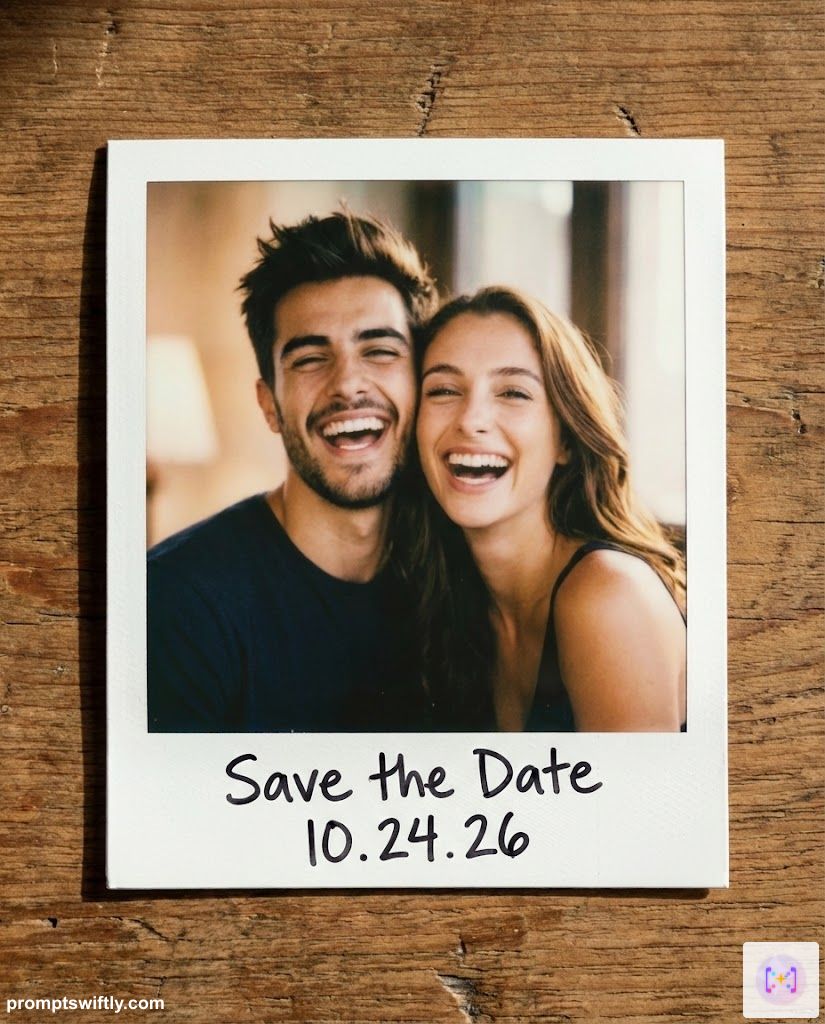
For the hipster or casual couple. This captures the raw, authentic intimacy of an instant photo lying on a table.
Candid Polaroid Snap
The Prompt
Create a polaroid style save the date. Generate a realistic white instant film frame on a wooden table surface. Inside the frame, show a candid, slightly overexposed photo of the couple laughing (flash photography style). Handwritten on the white bottom margin in black marker specifically write: 'Save the Date 10.24.26'. Shadows and casual, intimate aesthetic. Aspect Ratio: 4:5 (Vertical).
Input Reference
Generated Result
12. Pop Art Comic Book
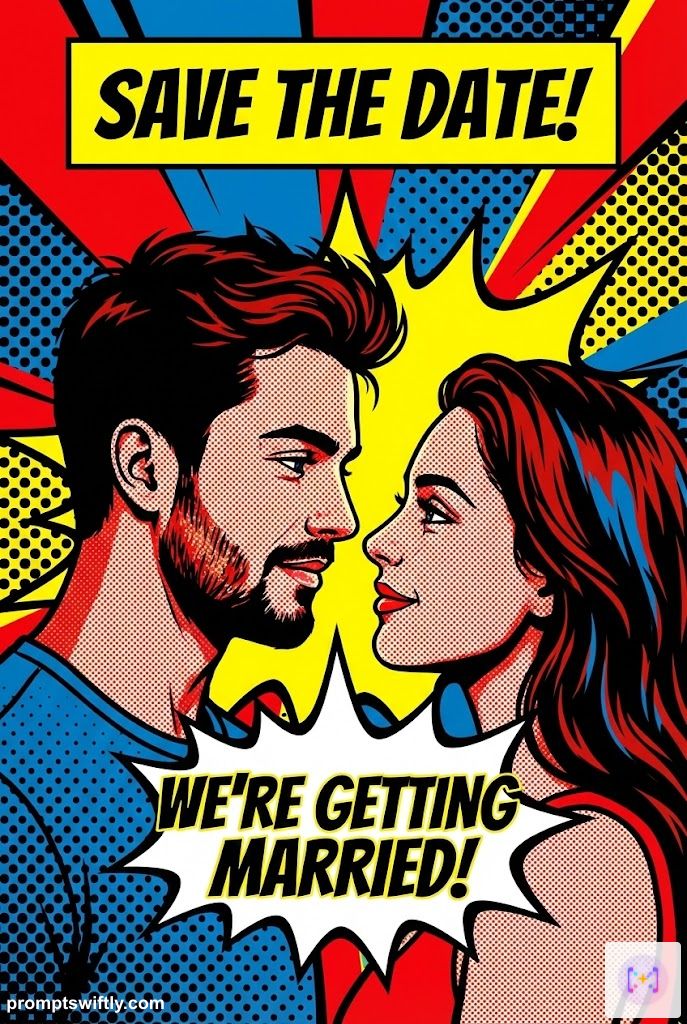
Bold, colorful, and unique. If you want something that screams "FUN", this Roy Lichtenstein-inspired style is a showstopper.
Pop Art Comic Book
The Prompt
Design a comic book style save the date. Use Roy Lichtenstein-inspired Pop Art aesthetics: bold black outlines, primary colors (Red, Blue, Yellow), and visible Ben-Day halftone dots. The couple is looking at each other dramatically. A speech bubble coming from them says 'WE'RE GETTING MARRIED!'. A yellow caption box at the top reads 'SAVE THE DATE!'. Fun, energetic, retro superhero vibe. Aspect Ratio: 2:3 (Vertical).
Input Reference
Generated Result
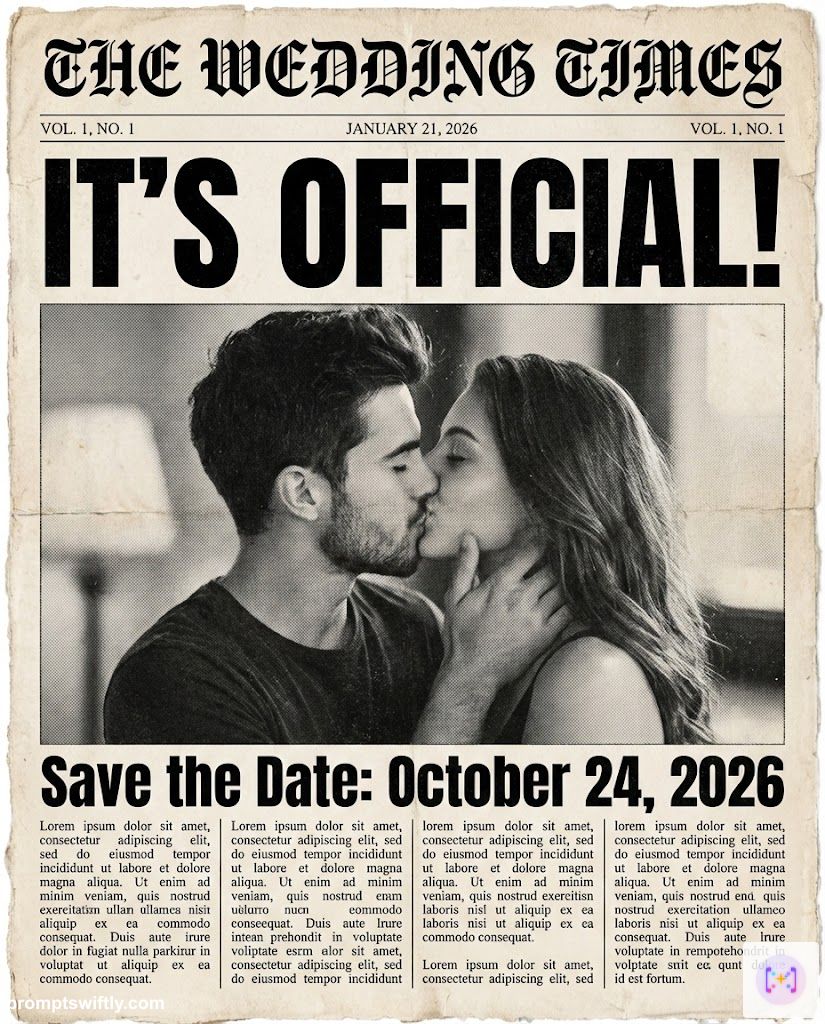
13. Vintage Newspaper Front Page
"Extra! Extra!" This style is classic for couples who have a big story to tell or want a fun, headline-grabbing design.
Vintage Newspaper Announcement
The Prompt
Create a newspaper style save the date. Simulate the front page of a vintage black and white newspaper called 'THE WEDDING TIMES'. The main photo is a grainy monochrome shot of the couple kissing. Big bold headline text reads: 'IT'S OFFICIAL!'. Sub-headline reads: 'Save the Date: October 24, 2026'. Include columns of 'lorem ipsum' text to simulate news stories. Authentic paper texture, old press aesthetic. Aspect Ratio: 4:5 (Vertical).
Input Reference
Generated Result
14. Regency Era (Bridgerton Style)
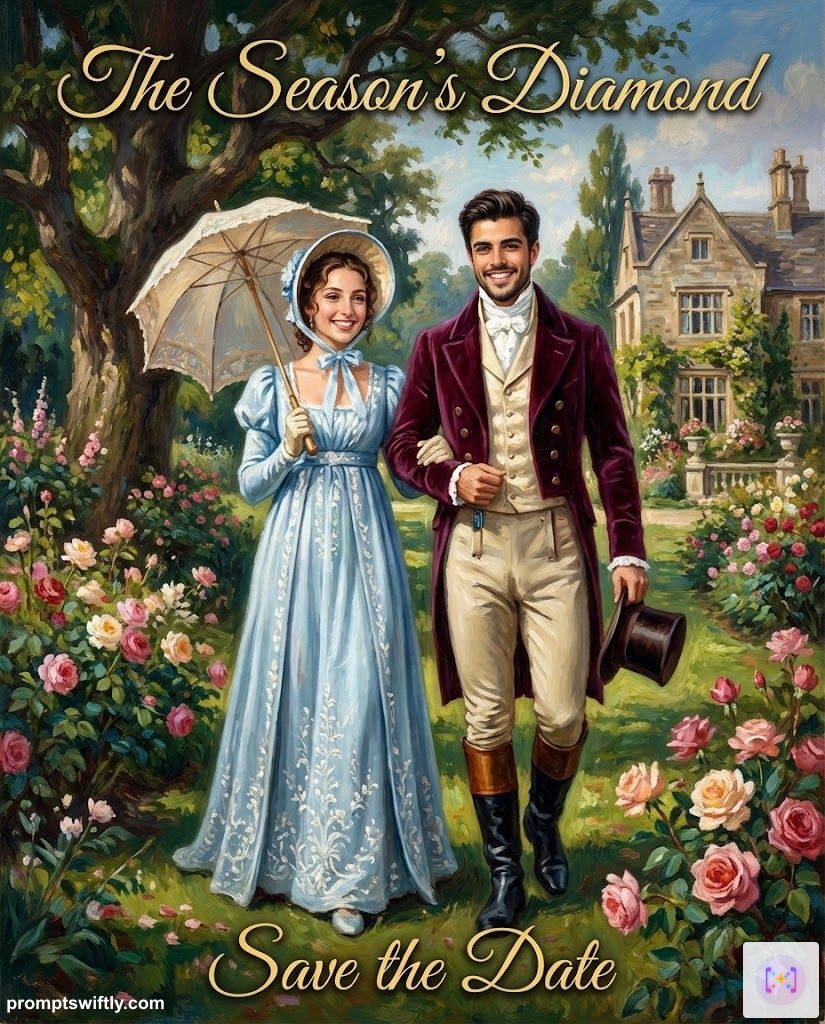
Channel your inner Duke and Duchess. This turns your photo into a museum-worthy oil painting straight out of 1813 London.
Regency Royal Oil Painting
The Prompt
Transform the couple into a Bridgerton style save the date. Depict them as 19th-century Regency era royalty (Duke and Duchess) strolling in an English garden. Startlingly realistic oil painting texture with visible brushstrokes. She wears an empire-waist gown; he wears a velvet tailcoat. Text 'The Season's Diamond' appears in elegant gold script. Add 'Save the Date' at the bottom. Romantic, historical, wealthy aesthetic. Aspect Ratio: 4:5 (Vertical).
Input Reference
Generated Result
15. Rustic Western Style
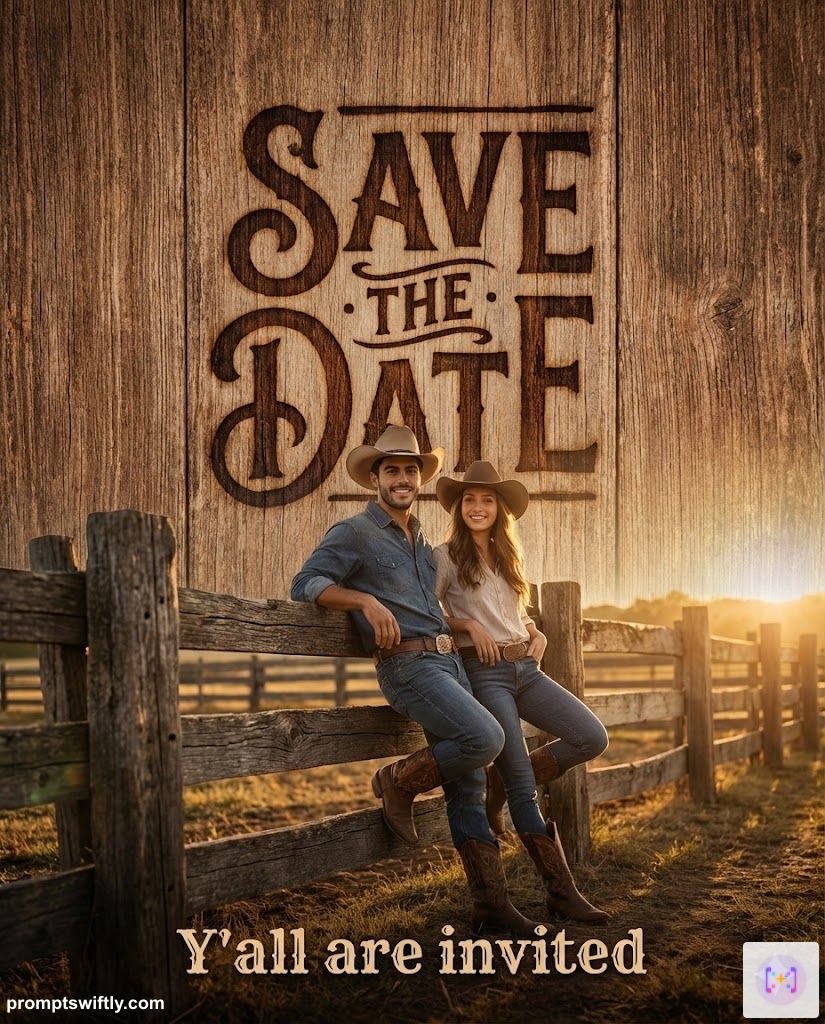
For the country-loving couple. This wood-textured design sets the perfect tone for a barn or outdoor wedding.
Rustic Western
The Prompt
Design a rustic Western style save the date. Texture is weathered barn wood. Center features a 'branded' or burnt wood typography effect: 'SAVE THE DATE'. The couple is wearing hats and boots, leaning against a wooden fence in golden hour light. Text at bottom: 'Y'all are invited'. Warm, country aesthetic. Aspect Ratio: 4:5 (Vertical).
Input Reference
Generated Result
16. Instagram Story Aesthetic (9:16)
Keywords: save the date instagram story template, digital save the date ideas
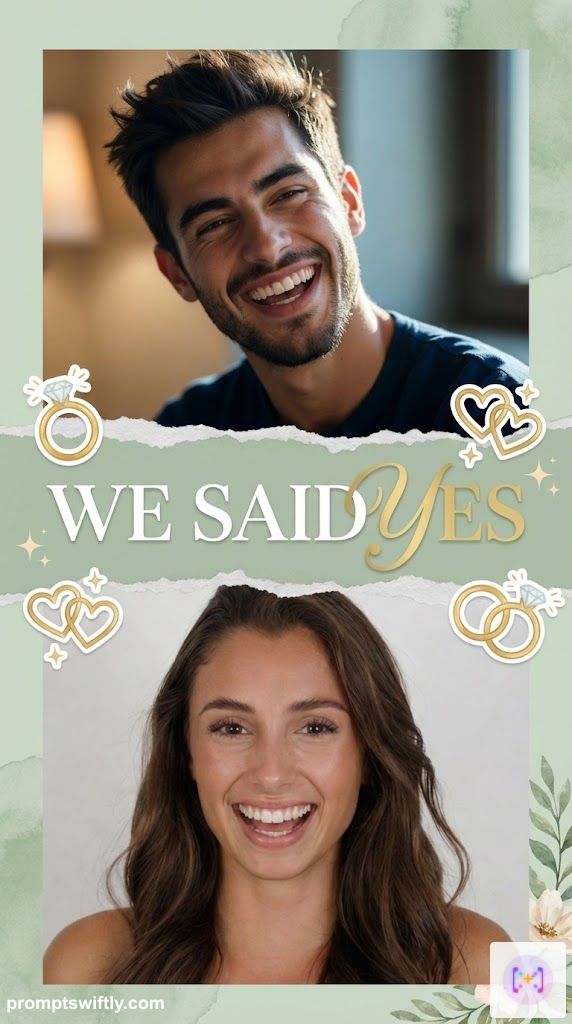
Designed specifically for full-screen mobile viewing. Perfect for posting to Stories or TikTok.
Instagram Story Trend (Dual Photo)
The Prompt
Design a trendy 'Instagram Story' layout using these two separate photos. Seamlessly blend them or use a creative split layout. Maintain exact facial features and likeness of both subjects. Transform their expressions to be joyful, candid, and laughing. Divided by a ripped paper texture effect. Add text 'WE SAID YES' across the tear. Soft pastel aesthetics (Sage Green). Stickers of rings and hearts. Perfect for social media sharing. Aspect Ratio: 9:16 (Vertical).
Input Reference
Generated Result
17. Facebook Event Banner
Keywords: save the date facebook cover photo, facebook event banner
A wide, professional header image for your Facebook Event page or wedding website.
Facebook Banner (Left/Right)
The Prompt
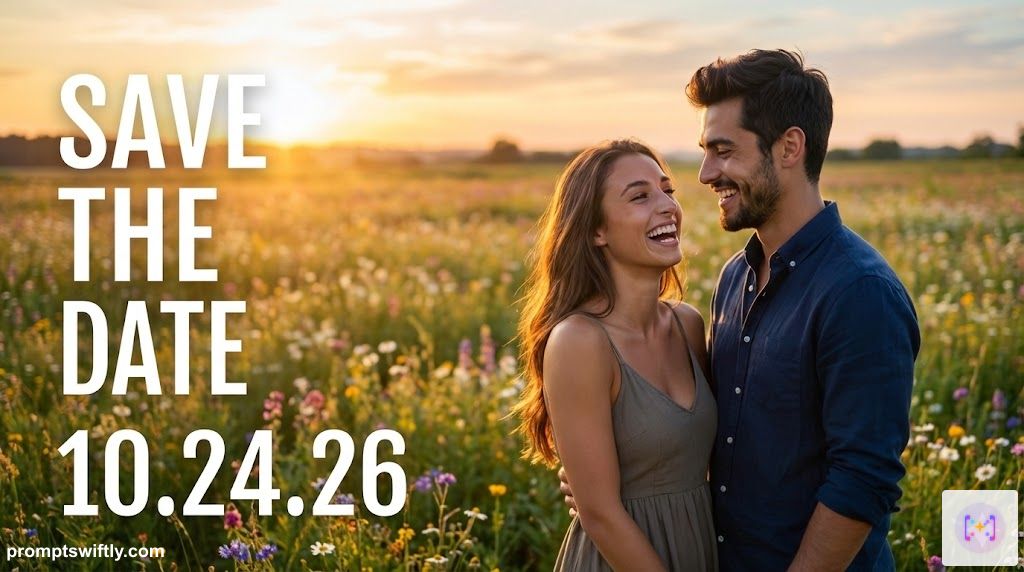
Create a horizontal Facebook Event Cover photo using these two individual photos. Seamlessly merge the two people into a single romantic scene. Maintain exact facial features and likeness. Place them standing together in a wide open meadow with wildflowers at golden hour. They are looking at each other laughing with genuine happiness. The composition leaves empty negative space on the left for text. Overlay large white text: 'SAVE THE DATE 10.24.26'. Professional, cinematic, high-end banner style. Aspect Ratio: 16:9 (Horizontal).
Input Reference
Generated Result
18. Funny "Finally!"
Keywords: funny save the date ideas, cute save the date ideas
For the couple that's been dating forever. Add some humor to your announcement!
Funny 'Finally' Sign
The Prompt
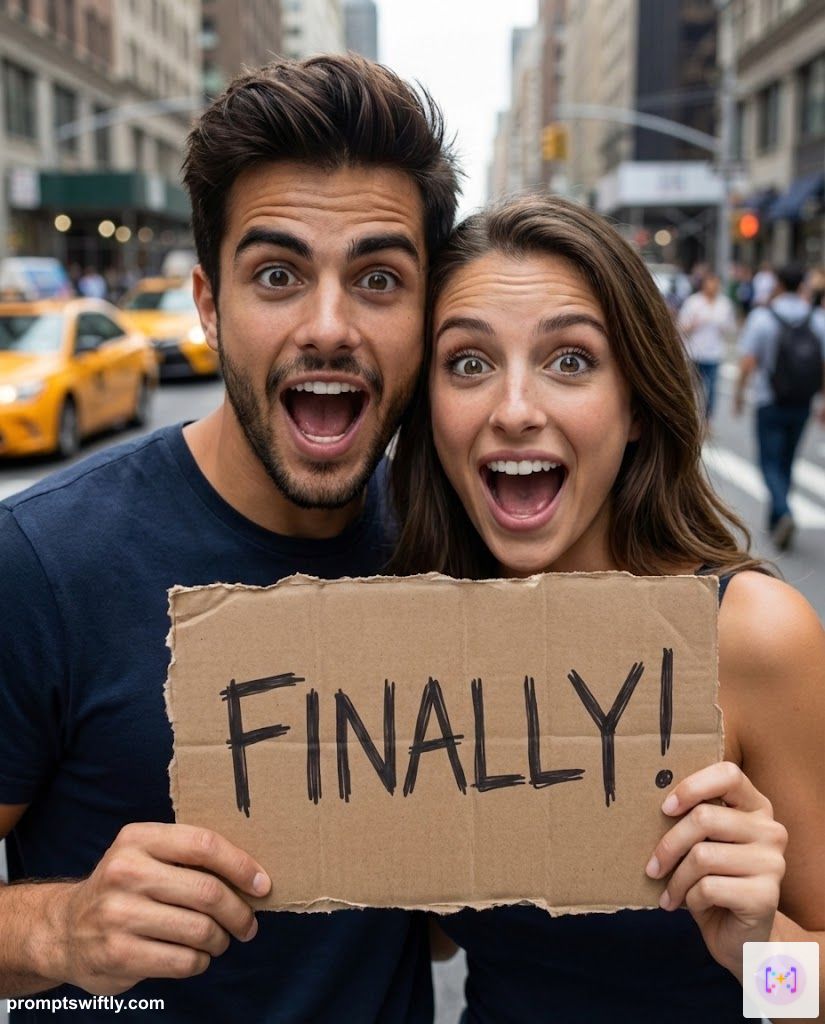
Create a funny save the date photo. The couple is holding a handwritten cardboard sign that says 'FINALLY!' in messy marker. Maintain exact facial features and likeness. Transform their expressions to be playfully shocked or overly excited (mouths open, eyes wide). Background is a blurred city street. Casual, humorous, viral social media post style, realistic skin texture. Aspect Ratio: 4:5 (Vertical).
Input Reference
Generated Result
19. Destination Boarding Pass
Keywords: destination wedding save the date, unique save the date ideas, travel theme
Getting married abroad? Send your guests a "ticket" to the adventure.
Destination Boarding Pass
The Prompt
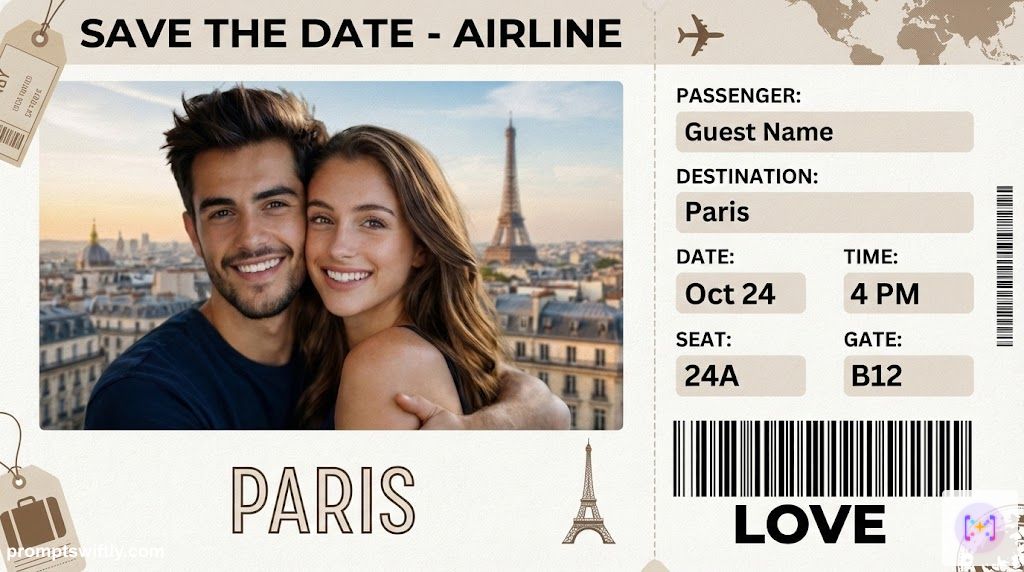
Design a realistic airline boarding pass save the date. The 'Ticket' features the couple's photo as the destination image. Maintain exact facial features and likeness. Show them smiling warmly. Fields include: Passenger (Guest Name), Destination (Paris), Date (Oct 24), Time (4 PM). Barcode at the bottom reads 'LOVE'. Texture of high-quality paper. Travel theme, wanderlust aesthetic, photorealistic. Aspect Ratio: 16:9 (Horizontal).
Input Reference
Generated Result
20. Minimalist Calendar Mark
Keywords: simple save the date ideas, calendar save the date
Clear, direct, and stylish. Focuses purely on the date itself.
Minimalist Calendar
The Prompt
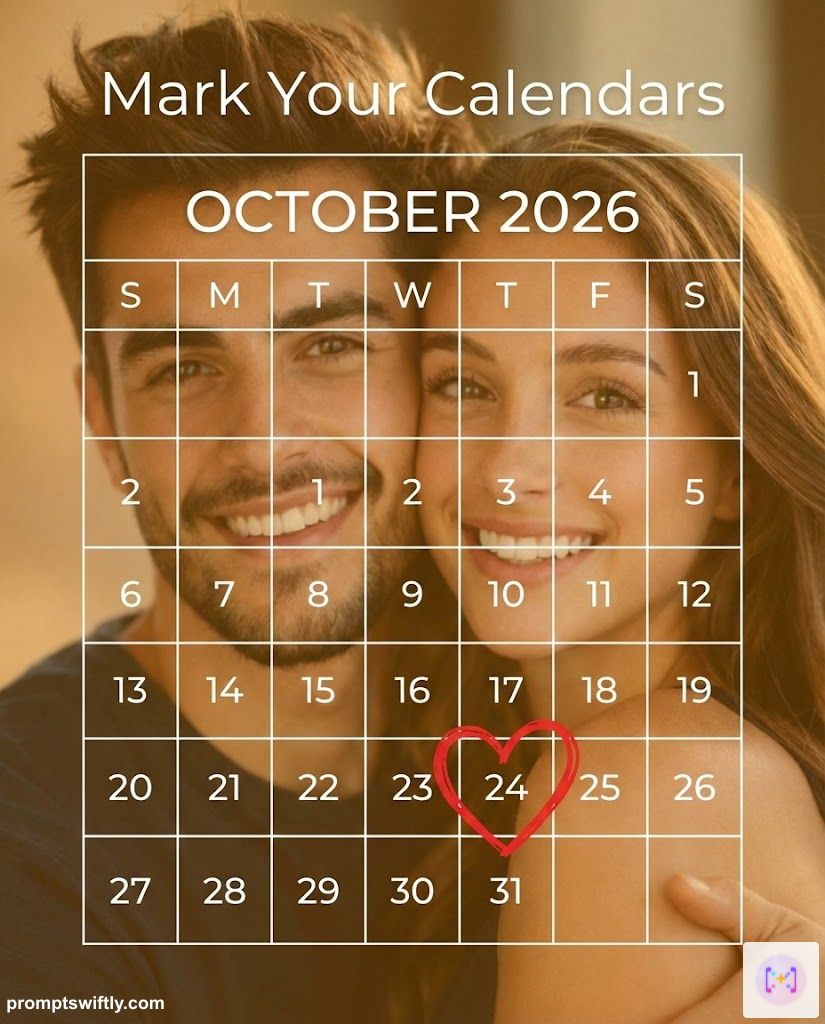
Design a clean, modern calendar graphic save the date. A grid of the month 'OCTOBER 2026' is transparently overlaid on a blurred, warm photo of the couple hugging. Maintain exact facial features and likeness. The specific date '24' is circled in a thick red heart marker. Text above: 'Mark Your Calendars'. Simple, effective, clear information. Aspect Ratio: 4:5 (Vertical).
Input Reference
Generated Result
Wording, Captions & Email Templates
Your image is ready, but what do you write in the caption or email? Here are copy-paste templates targeting the most popular intents.
Best Instagram Captions for Save the Dates
Keywords: save the date instagram captions, instagram post captions
- Funny: "It’s official! Look who decided to put a ring on it. 💍 #SaveTheDate"
- Romantic: "Forever begins on [Date]. We can’t wait to celebrate with you."
- Short: "Mark your calendars. [Date]. 🤍"
- For the "Finally": "About time, right? 10.24.26."
Save the Date Email Template
Keywords: save the date email template, wedding save the date email
Subject Line: Save the Date! [Name] & [Name] are getting married 💍
Hi Family and Friends,
We are so excited to share the news! Please mark your calendars for our wedding celebration.
WHEN: October 24, 2026 WHERE: Bali, Indonesia
Formal invitation to follow. We can't wait to celebrate with you!
With love, [Name] & [Name]
Facebook Event Description
Keywords: save the date facebook post, message for wedding
"We're getting married! 🥂 We’ve created this event to keep everyone updated. Please save the date: October 24, 2026. Official invites coming soon!"
Popular Trending Styles in 2026
When choosing your AI design, consider your wedding theme. Currently, the most search-heavy trends include:
- Country Style / Western Style: Think warm sepia tones, wooden textures, and "Wanted" poster aesthetics (try the Newspaper prompt with "Wanted" text!).
- Postcard Style: ideal for destination weddings in Italy or Mexico.
- Photo Booth Style: (See prompt #7) Great for highlighting your fun chemistry.
- Calendar Style: A simple design highlighting the specific date grid (Use the Minimalist prompt and ask for a "calendar month view").
- Vintage/Retro: From 90s flash photography to 50s travel posters, nostalgia is in.
A Quick Guide to Save the Date Etiquette
When to Send Save the Dates?
- Local Wedding: 6-8 months in advance.
- Destination Wedding: 9-12 months in advance.
- Tip: Do not send them to anyone you aren't 100% sure you are inviting to the actual wedding.
What to Write?
Unlike the formal invite, keep it brief:
- Names: "Jack & Jill"
- Intent: "Save the Date" or "She said Yes!"
- Date: "10.24.26"
- Location: "Austin, Texas"
- Website: "theknot.com/jackandjill"
- Footer: "Formal Invitation to Follow" (Get a head start with our Wedding Invitation Prompts)
How to Get Perfect Text & Faces
- Identity Anchor: Notice all prompts include "Maintain exact facial features." Always include this when uploading your own photos.
- Text Instructions: Be specific about the font style ("serif," "calligraphy," "minimalist sans-serif").
- Readability: The prompts ask for "negative space" or "overlays." This ensures the text doesn't blend into your faces or a busy background.
- Hybrid Approach: If you love the design but the text is slightly off, crop the text out or generate a version "without text" and add the typography yourself in a dedicated design tool.
Frequently Asked Questions (FAQ)
Q: What actually is a save the date card? A: A save the date card is a pre-invitation sent 6-12 months before your wedding. Its sole purpose is to tell your guests to block that specific day in their calendars. Unlike the formal wedding invitation (which follows later), it doesn't need venue details or RSVP cards—just the names, the date, and the city.
Q: When should you send save the date cards? A: For local weddings, send them 6 to 8 months in advance. For destination weddings is advisable to send them 9 to 12 months early to give guests time to book travel. Sending them too early (more than a year) can be confusing, while sending them too late (less than 4 months) defeats the purpose.
Q: What information goes on a save the date card? A: Keep it simple. You strictly need: 1. The Couple's Names 2. The Wedding Date 3. The Location (City & State/Country) 4. A note saying 'Formal Invitation to Follow'. Optionally, you can include your wedding website URL.
Q: Can Gemini really render text correctly on the image? A: Yes, especially the Nano banana model. It is significantly better at rendering legible text compared to older models. However, always double-check the spelling.
Q: Is this truly free? A: Yes, creating the images is part of your standard or advanced Gemini access, saving you the cost of templates or designers.
Looking for pose ideas? Check out our guides on Gemini Prompts for Pre-Wedding Shoots and Gemini Prompts for Couples to get the perfect source photo before designing your card. Once you are ready, move on to the Wedding Invitations.